




My team
Shared business account: collaborate with your team
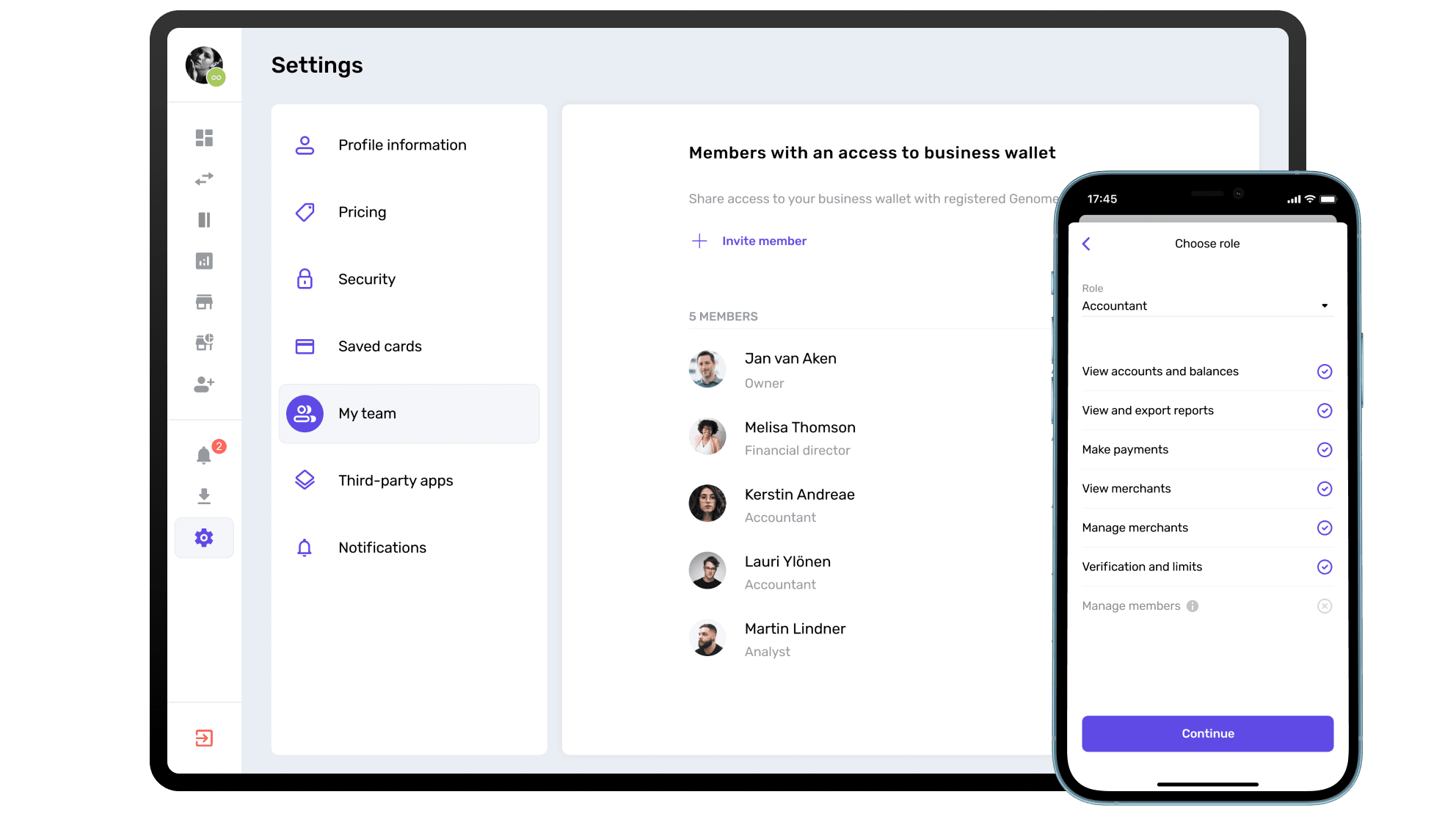
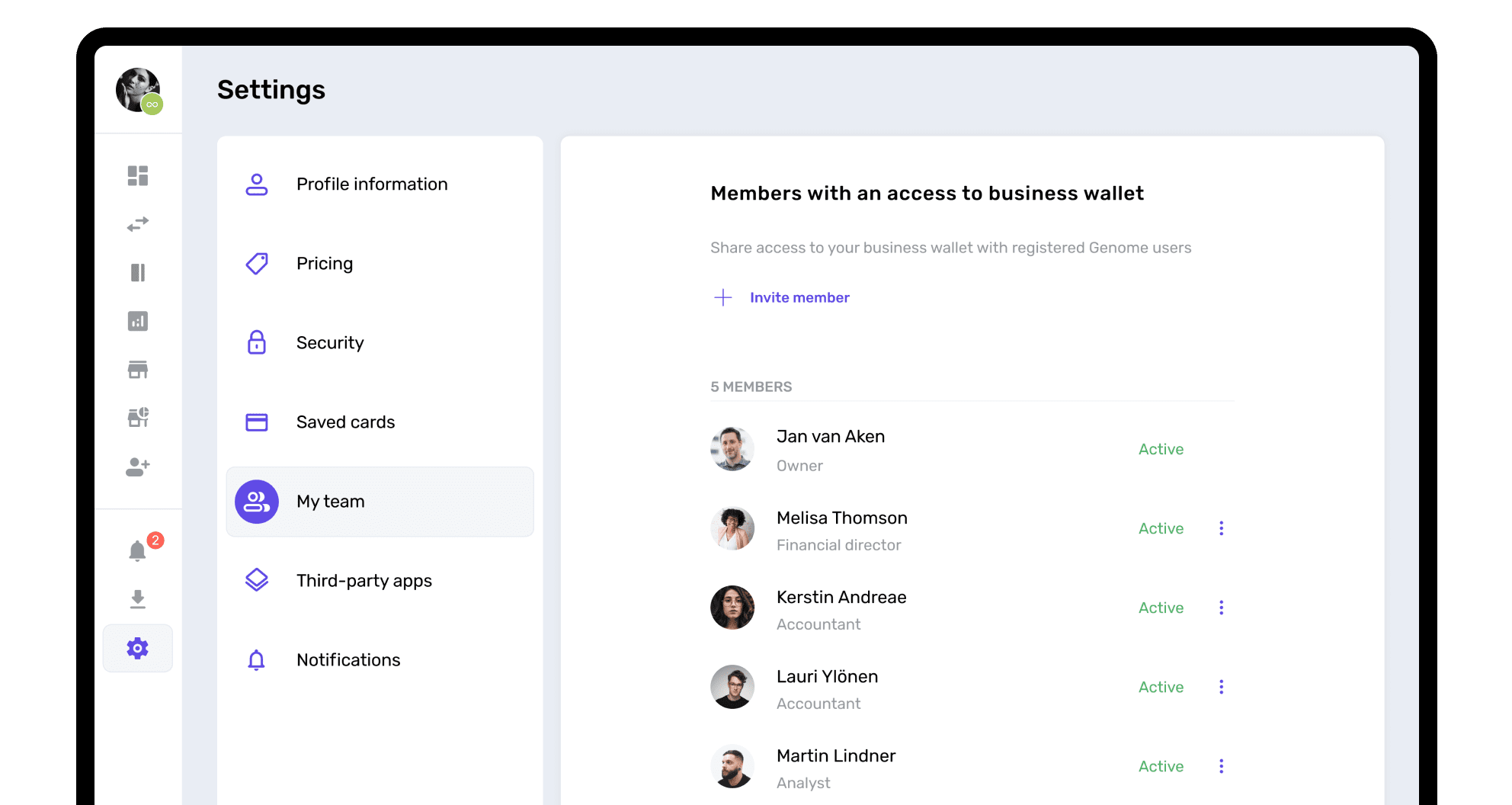
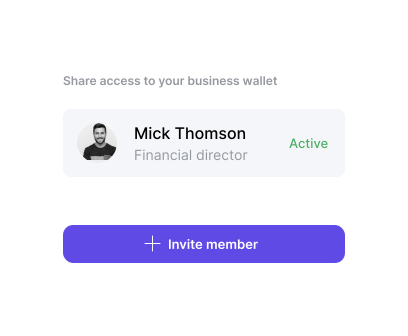
A business account can be used by several team members. With Genome’s My Team feature, you can invite employees, accountants, and colleagues to work within the same corporate wallet. Each person gets their own access, so there is no need to share login details. Assign roles with various access levels and functionality, edit the team list anytime, and track who made the changes.
How to access the "My Team" feature?
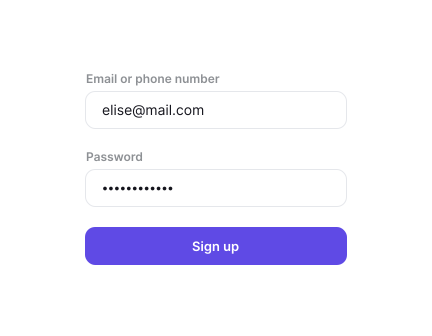
Unlike traditional banks, you can add account users online, no document uploading required. After opening a business account in Genome, log into it, go to the dashboard, open settings, and visit the My team section to set it up. Add up to 20 team members to manage your business account in Genome.
Joint business account for partners
A joint business account for partners makes it easier for co-founders to manage company funds together. With Genome, you can add two or more owners to the same business wallet instead of opening a separate joint business account elsewhere. It gives everyone access to the information they need and keeps finances transparent.
Genome business
How to start a business account for sharing access?
Step 1
Step 2
Step 3
Step 4
My team
Divide the responsibilities and assign different roles
Director
All the features of the business account: view and add accounts and merchants, view details and reports about accounts and merchants, create and confirm payments, manage team members, handle verification and limits, order and manage cards.
Financial director
View and add accounts and merchants, view details and reports about accounts and merchants, create and confirm payments, manage team members, handle verification and limits.
Accountant
View and add accounts and merchants, view details and reports about accounts and merchants, create payment requests for approval, handle verification and limits.
Payer
View and add accounts and merchants, view details and reports about accounts and merchants, create and confirm payments, handle verification and limits.
Analyst
View and add accounts, view details and reports about accounts.
Merchant manager
Manage payment pages, settlement accounts and other merchant settings.
Merchant analyst
View merchant reports.
Payout analyst
View payout reports.
My team
To access your account, the staff needs to
Step 1
Step 2
Step 3
My team
Manage the account together, productively
Once you have joined Genome as a company, you can try out the access management feature. This service is crucial for many situations that can occur daily within your company, such as:

Accessibility
Your CFO is in charge of the company’s daily financial operations.

Foresight
You own a small business and the accounting function is being outsourced.

Management
An analyst has to monitor daily account operations without the possibility of accessing the company's funds.

Business accounts
Discover more Genome services for your business
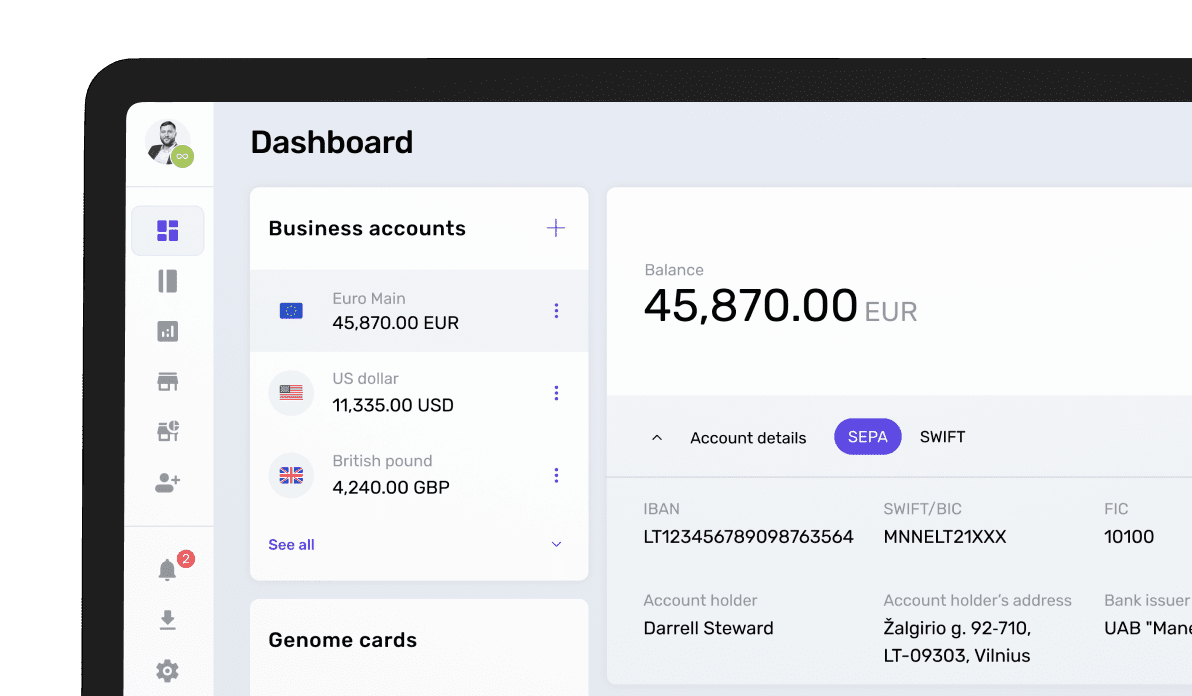
Dedicated IBAN account
Dedicated IBAN account for your company for secured transfers and payments from licensed EMI.
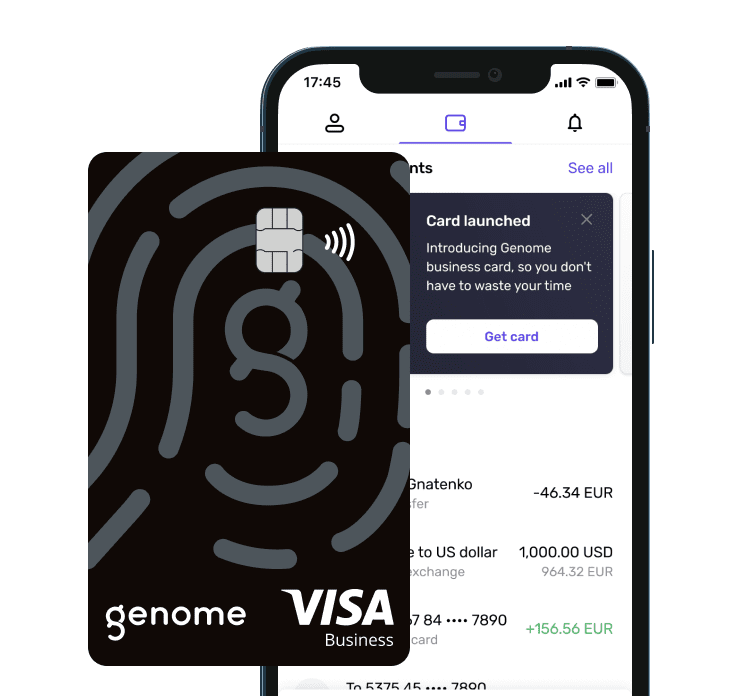
Corporate card
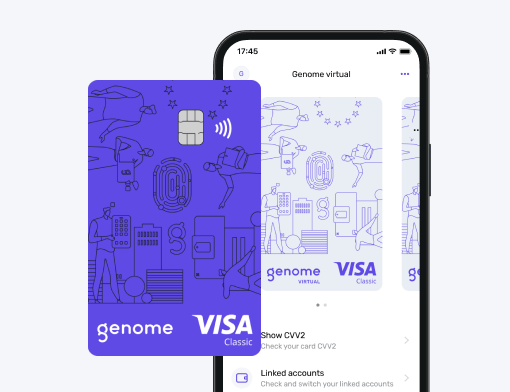
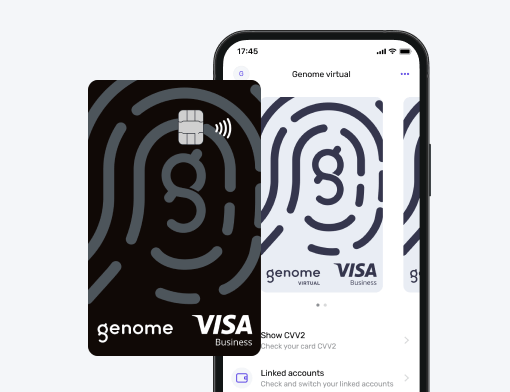
Card for your corporate and marketing expenses in slick black matte finish with additional security layer.
Multi-currency account
Open accounts and store funds in EUR, USD, GBP, PLN, CHF, JPY, CAD, CZK, HUF, SEK, and AUD. Exchange currencies with ease!

Unlock SWIFT and other international transfers
Business wallet users can access international transfers and send funds to partners and contractors around the world! SWIFT, BACS, CHAPS, Faster Payments, and TARGET2 payments are available.

Be on top of your game with Genome’s corporate financial services!
Keep an eye on our newest, industry-tested financial solutions for companies.
Subscribe to receive newsletters, which contain all the essential information about updates to our business features. Don’t miss out on services that can improve your company!

Can a business account be shared?
Yes, you can share a business account with employees, partners, or external accountants. Each person gets their own login, so there is no need to share passwords. You can also choose what each user can see and do based on their role.
Can you create a joint business account?
You can create a similar setup by adding co-founders or business partners as authorized users. They can view balances, manage funds, and approve payments depending on the permissions you give them.
Can two people be on a business account?
Yes, inside Genome, two or more people can use the same business wallet and business accounts assigned to it. Each user has a separate login, role, and set of permissions.
How does a shared account work?
The main owner of the business wallet invites other users to manage accounts and operations within the wallet and decides what access they should have. Each person then logs in with their own details and can view transactions, prepare payments, or manage funds according to their permissions.